+ Website problems
Outdated website? When to refresh it, and when to redesign
Your website is often the first impression a customer has of your business. If it looks and works like it was built years ago, we help you decide between a refresh and a rebuild, then do the work while protecting the rankings you already have.
How to tell you have this problem
- The design looks noticeably older than your competitors' sites.
- It is awkward on a phone: small text, pinching to zoom, buttons too close together.
- Nobody on your team can update it without calling a developer.
- It still lists old services, staff, prices or photos.
- It runs on a theme, plugin or platform that no longer gets updates.
- Customers or staff have told you it needs a refresh.
What causes it
It was built a long time ago. Design, devices and browsers have all moved on, and a site built for desktop screens shows its age on a phone.
No budget for updates. A website is often treated as a one-off cost, so small fixes never happen and the gap keeps growing.
An old platform. Unsupported themes, plugins or page builders that can't be updated safely.
The developer moved on. Nobody has the logins, or nobody knows how the site was built.
The business changed. New services, new areas, new branding, and a website that still describes the old business.
What it costs you
People judge a business by its website before they ever call. A dated site doesn't always lose the sale outright, but it makes the next step harder: prospects wonder whether you are still trading, still current, or as good as the competitor whose site looks like it was built this year.
Old sites also tend to be slower, harder to use on a phone and harder to keep secure, and each of those carries its own cost in search visibility and lost enquiries.
How we fix it
-
Step 1
Decide between a refresh and a rebuild
If the platform is sound, a visual refresh and content update may be enough. If it is unsupported, slow or can't be made to work on mobile, a rebuild is usually better value. We tell you which, and why.
-
Step 2
Protect what already works
Before anything changes, we record your rankings and traffic, map every old URL to its new home and set up redirects. That is the core of how we handle a website redesign.
-
Step 3
Design for how customers buy now
Mobile-first layouts, clear calls to action, real photos and proof, designed by our web design team and built on a platform you can update yourself.
-
Step 4
Launch, then check the numbers
After launch we compare rankings, traffic and enquiries against the baseline, and fix anything that slipped.
What you can check yourself
- 1. Update the copyright year, team photos and any services you no longer offer.
- 2. Replace generic stock photos with photos of your real work, people and premises.
- 3. Go through every main page on your own phone and note anything hard to read or tap.
- 4. Make sure your phone number and address match your Google Business Profile exactly.
- 5. Write down what the site needs to do for customers today. That list becomes the brief for the refresh.
+ Case studies
Real results
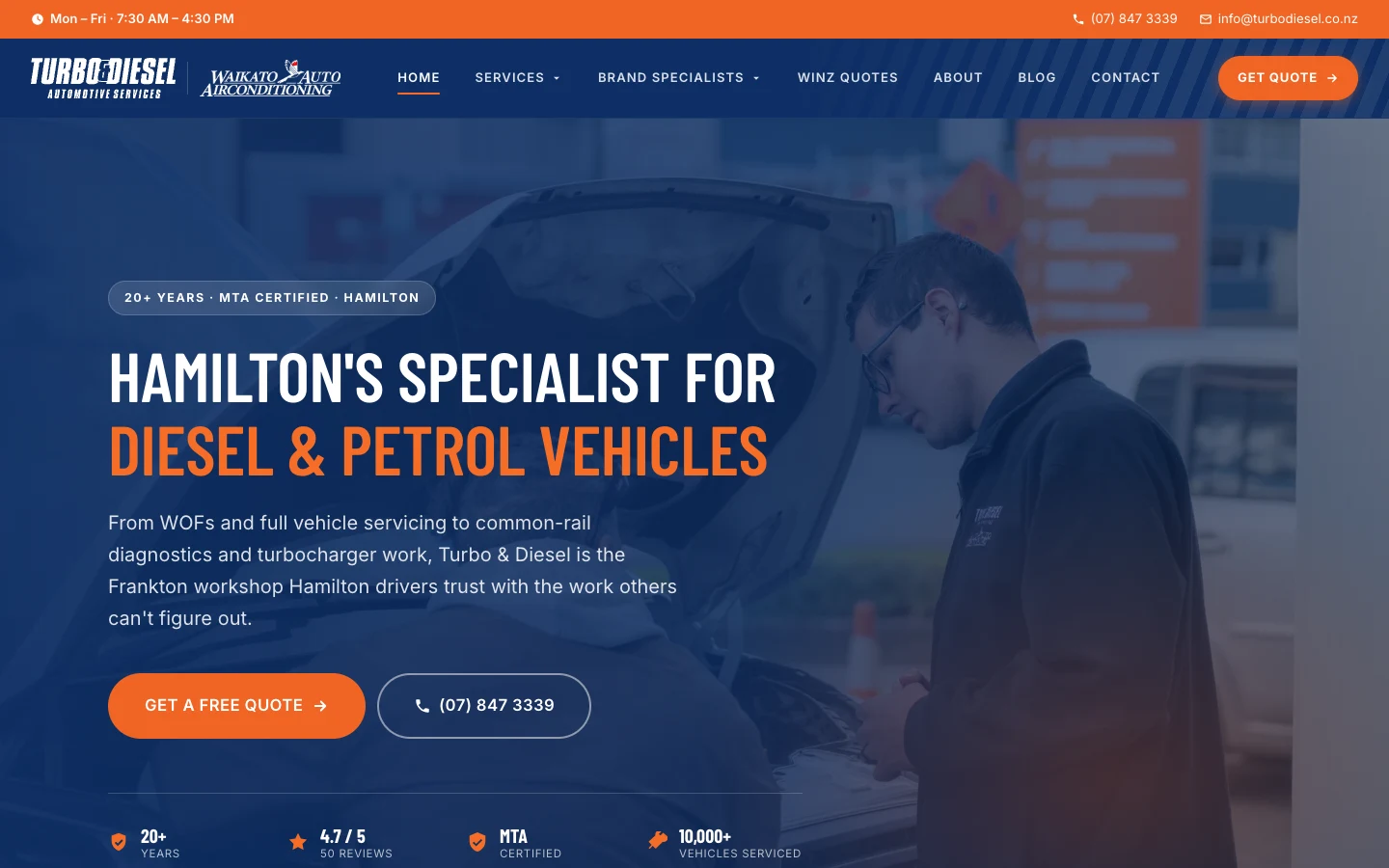
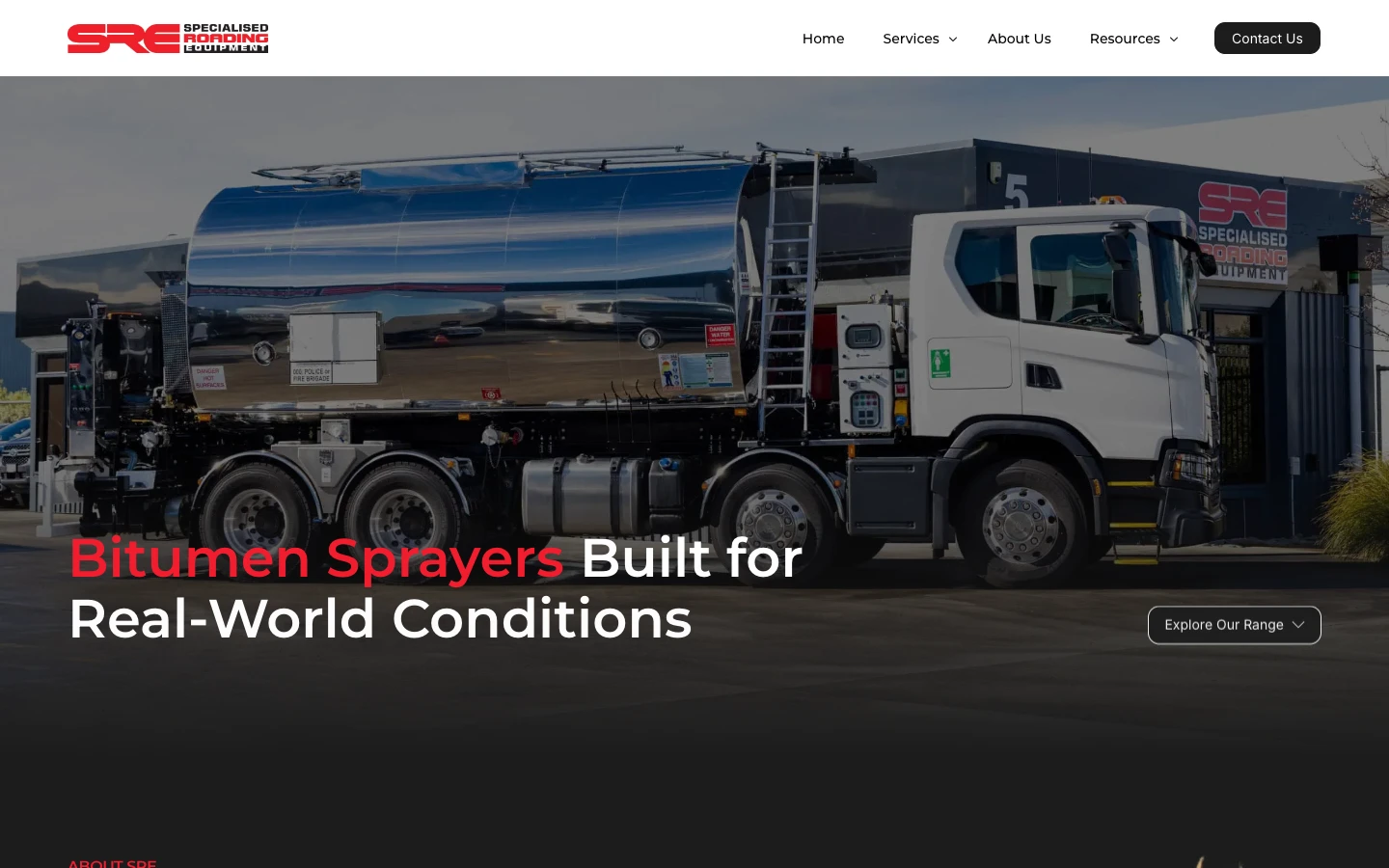
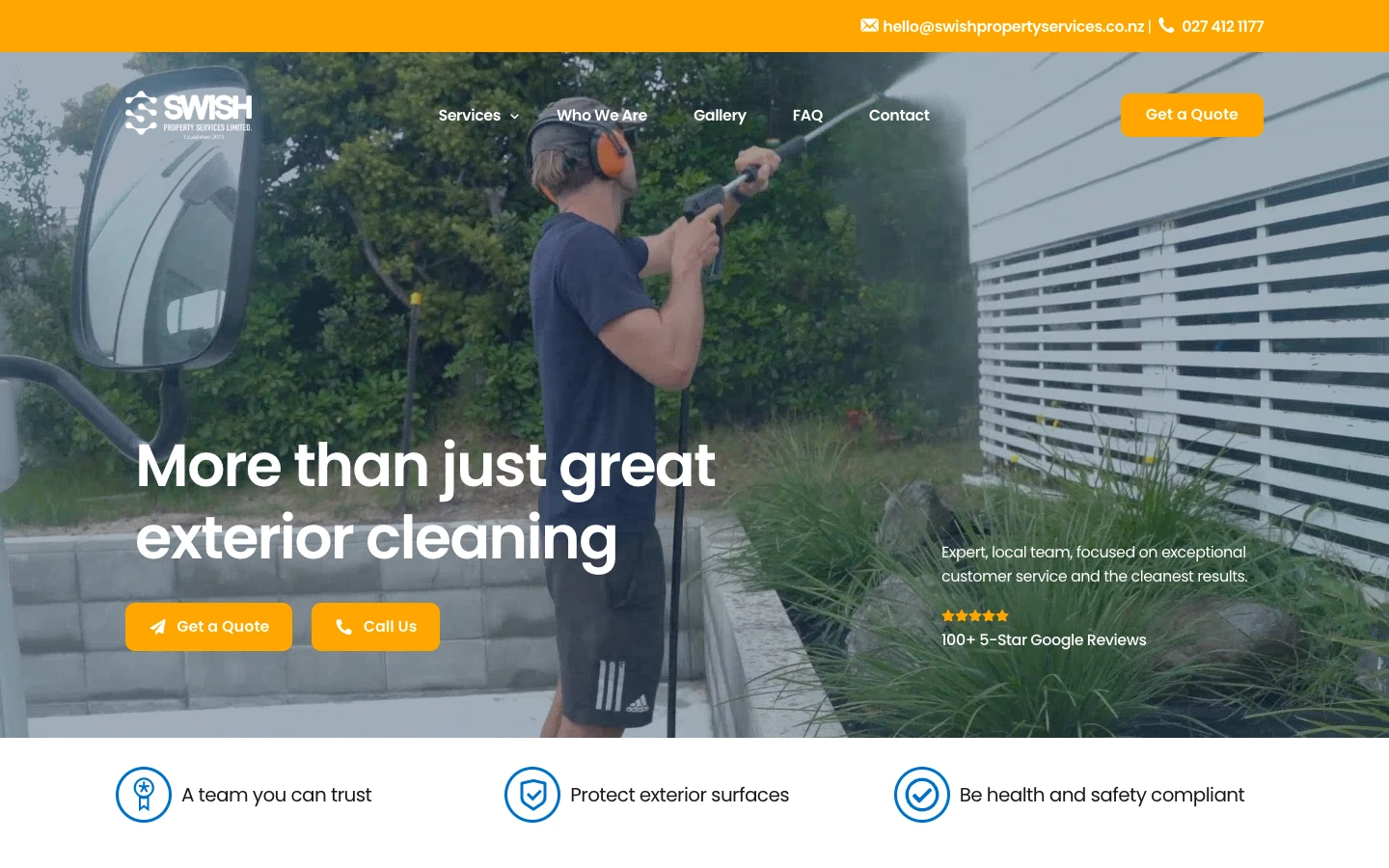
Projects where we took on the same kind of problem. Each one links to the full case study.
What our clients say
Real results from real businesses. See why clients trust us with their digital growth.
"I couldn’t recommend Jason and Lucid Media highly enough. I’ve had around 10 websites developed over the years, and Jason is by far the best web developer I’ve ever worked with. He is incredibly hard-working, efficient, knowledgeable and very easy to deal with. Nothing was ever a problem, communication was excellent, and he genuinely knows what he’s doing. What impressed me most was how quickly he got things done while still paying attention to the details. The whole process was straightforward and professional from start to finish, and all for a very reasonable price. If you’re looking for someone to design or develop a website, I would highly recommend Jason and Lucid Media. I’ll definitely be using him again for any future development work. If there were 10 stars I'd be giving it to them."
"Jason took the time to understand our vision and business needs, translating them into a stunning, user-friendly website. Communication throughout the project was seamless. We highly recommend Lucid Media to anyone looking for top-notch web design services. Their talent, dedication, and customer-focused approach make them a standout in the field."

"We've been working with Jason from Lucid Media and couldn't recommend him more. He's been a fast communicator, proactive, and always willing to help. Jason goes above and beyond with providing recommendations and support. The websites he's built and implemented for us have been excellent. He has captured our business perfectly and ensured that it is user friendly on both desktop/mobile. Fantastic service!"

"Jason and his team have been fantastic to work with from the initial website design and with the ongoing maintenance. They built us a really professional and well-designed site that represents our business well. It is nice to know someone reliable can manage our website and make sure it stays ranking on Google."
"We recently wanted to bring our idea for an app to life and Jason has been amazing to work with on this project. He worked quickly and efficiently, turning our ideas into reality. His expertise made the process smooth, and implemented any changes really quickly until things were working just as we needed. We're thrilled with the final product and will continue working with Jason on future projects."

"Working with Jason @ Lucid Media on our website was a great experience from start to finish. Jason brought our vision to life with creativity and professionalism. The design is clean and modern, and the functionality is exactly what we needed. Highly recommend to anyone looking for top-tier web design and development."

"Jason and team at Lucid Media were absolutely great in delivering our company's e-commerce website. It was a great experience from start to finish - and even beyond! I would especially like to highlight the clear communication, willingness to make changes and tailoring the end product to our needs, throughout the entire process. Best of luck in the future and I'm sure we will be working with Lucid Media again soon!"

"Jason has been awesome to work with over the last few months. Whenever we've had any sort of issue with our website, he is extremely prompt in resolving it. Very professional and helpful, I highly recommend."

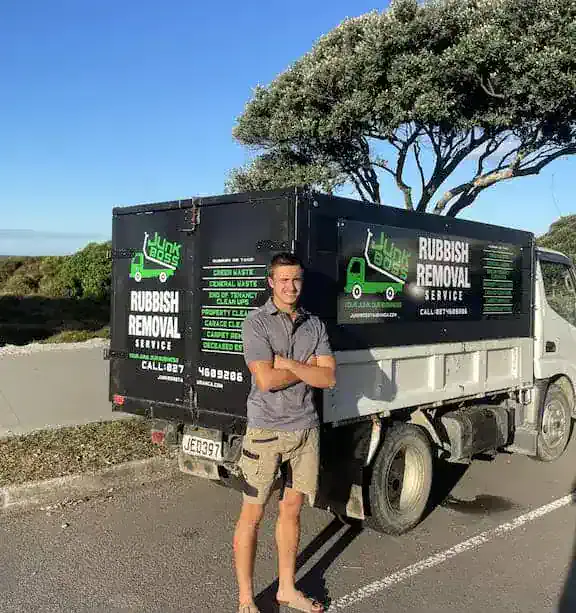
"Jason created our JunkBoss company website from start to finish. He always responded immediately, shared great ideas, and the final site looks spectacular!! Highly recommend to anyone looking to get their website done."
"Working with Lucid Media was an excellent experience from start to finish. They took the time to thoroughly analyse our previous website, understand our product, and align with our company goals. The results were outstanding: clean, strategic, and exactly what we needed to elevate our brand presence."
"I had a call with Jason and was so impressed by how in-depth it was. He really listened, understood where I'm at, and gave me a clear action plan that I can actually use. It was practical, straightforward, and made me feel confident moving forward with my ads. I couldn't recommend working with him enough."

"Jason was a delight to work with. He turned my vision into my dream website for my business in a matter of days. His service and support is unmatched. I am truly, blown away."

"Working with Jason from Lucid Media has been an absolute game changer for my social media presence. His strategies have helped increase engagement, improve reach, and bring a more polished and professional edge to my social platforms."

"I have been working with Jason from Lucid for a year now and he is absolutely brilliant, honest and reliable. His client first approach has meant his work is always on time and to a high standard. Most of all he actually gets the results he says he will."

"I had Lucid Media do some SEO work for us and I'm super impressed with the results. Jason also took the time to educate me deeply on the topic so I didn't feel like everything was smoke and mirrors like I have had with previous agencies."

"Jason has been awesome in the work he has done for us - he is fast, very responsive and professional. Would highly recommend!"
"Huge shoutout to Jason for putting together my real estate website. The site looks clean, professional, and easy to use. He made the whole process super simple and stress-free. Would definitely recommend him to anyone needing a website."

"We hired Jason for our business after having a bad experience with minimum effort and minimum results with another agency. Since being with Lucid and then tidying up our landing pages, and Google Ads and getting new leads running, our CPA dropped by 66% and lead quality increased 2 to 300%. This change was not only almost immediate but has been consistent for the last few months. He has a total depth of knowledge and a desire to get the absolute best outcomes as demonstrated by his consistent and detailed updates."

"Very happy with our experience with Jason. Felt he was really acting in our best interests and went beyond what we were expecting him to achieve. Would highly recommend his services."

"When the finance company I manage, Fee Funders, changed ownership, Lucid Media took over all aspects of our IT and technology, and the impact has been outstanding. Jason quickly learned our legacy systems and implemented critical changes."

Frequently asked questions
Straight answers to what people ask us about this. If yours isn't here, ask it below.
Get your free audit+ Related
Problems that often come with this one
-
Poor mobile experience
Your site works on a desktop but is hard to read, tap and use on a phone.
-
Slow website
Pages take too long to load, and visitors leave before they see what you offer.
-
Losing to competitors online
Competitors show up first, look more credible, and win work that should be yours.
Find out whether your site needs a refresh or a rebuild.
Tell us about your site. We'll look at what is causing the problem and come back with a plain-English plan for fixing it. No obligation.