
Service Area vs Physical Address on Google Business Profile: What NZ Tradies Should Actually Do
Should your service area business show its address on Google Business Profile? Google's actual rule, the risky home-address trick, and what ranks instead.
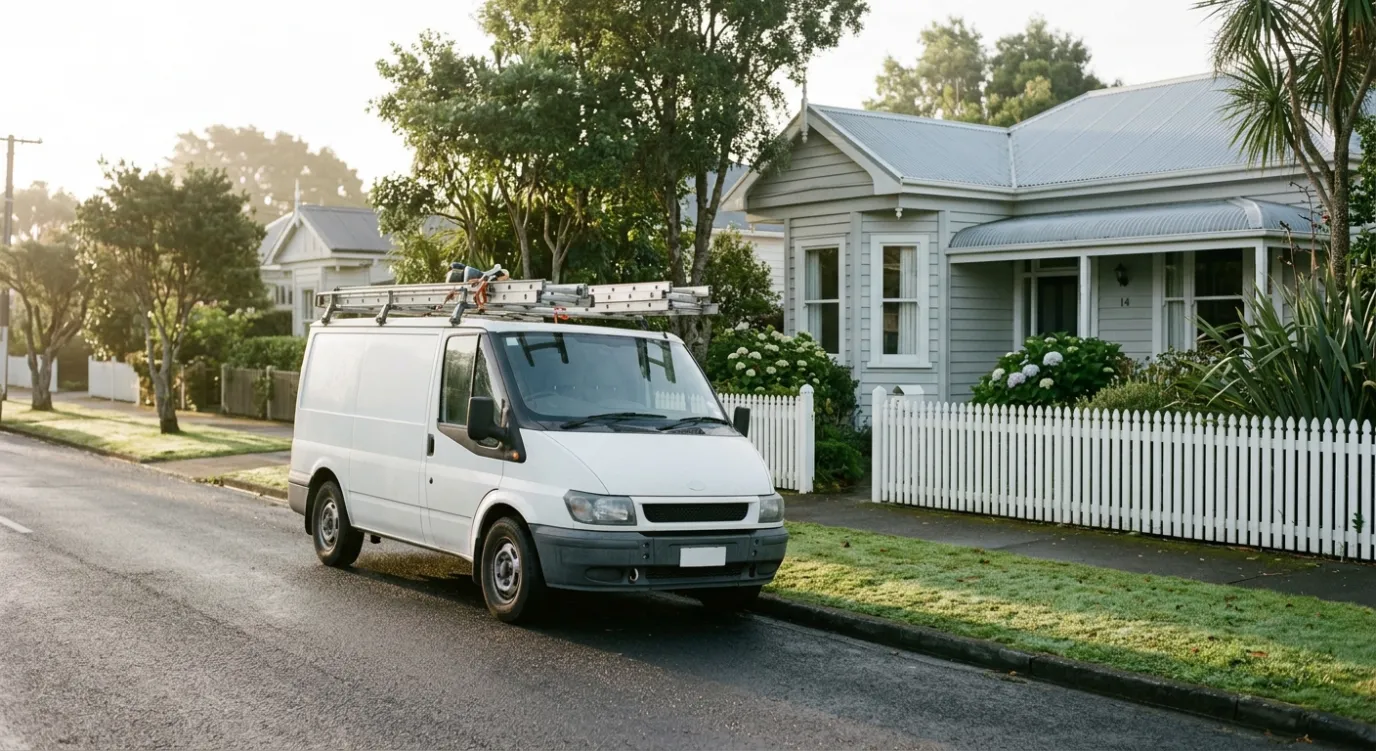
If customers do not come to your address, Google’s guidelines say your Google Business Profile should be set up as a service area business: address hidden, service areas listed. If customers do come to you, because you run a yard, a showroom or an office with staffed hours, you are a hybrid business and you can show the address and add service areas as well.
That is the whole decision for most tradies. It takes about ten seconds to answer honestly.
The reason this post exists is that a growing amount of advice says otherwise. Plumbers, electricians and landscapers who work from home are being told to list the house as a storefront, because physical-address profiles supposedly rank better in the map pack. We understand why the idea spreads. We also think it is a bad bet for almost every service area business in New Zealand, and below we explain why, along with what actually moves a service area profile up the map.
What Google’s Guidelines Say About Service Area Businesses
Google’s guidelines for representing your business are unusually blunt on this point:
“If you’re a service-area business, you should hide your business address from customers.”
The same page uses almost exactly the reader of this post as its example: if you are a plumber and run your business from your residential address, clear the address from your Business Profile. It also says a service area business should have one profile for its central office or location, with a designated service area attached.
A few related rules sit alongside it:
- P.O. boxes and remote mailboxes are not acceptable addresses.
- Virtual offices are not eligible. Renting a mailing address you do not actually operate from does not make it a location.
- Hybrid businesses are allowed. Google’s help page on managing service areas defines a hybrid as a business that serves customers at its address and also visits or delivers to them. Hybrids show the address and add service areas.
- Service areas have limits. You can list up to 20, and the overall area should not stretch more than about two hours’ drive from where the business is based.
None of this is hidden. It is the published rulebook, and when a profile gets flagged, it is what Google reviews the profile against.
Which One Are You? Three Questions
Answer these about the address you are thinking of showing:
- Do customers come to this address during your stated hours? Think of a front counter, a showroom, a yard where people collect materials, or a workshop where cars get dropped off.
- Is your business name on permanent signage at the address? A signboard or signwriting on the building, not a magnet on the letterbox.
- Could you prove both of those on camera tomorrow morning?
Three yeses and you are a hybrid. Show the address and list your service areas.
A no to the first question makes you a service area business, whatever the other two say. An electrician with a home office, a mobile dog groomer, a builder who runs everything from the ute: all service area businesses. A landscape supplier with a staffed yard who also delivers, or a mechanic with a workshop customers visit plus a mobile callout service: hybrids.
Why the Home-Address Advice Keeps Spreading
The argument usually arrives with a pair of rank-tracking grid scans. One is a service area profile with red dots across the map. The other is an address-based profile with a patch of green around its pin. The advice that follows is to switch your profile to your home address, get re-verified, and watch the green spread.
There is something real underneath it. Google’s own page on how local results are ranked names three factors: relevance, distance and prominence. Distance is how far a business is from the person searching. Plenty of people who do local SEO for a living have seen address-based profiles perform strongly close to their pin. That is practitioner observation, not something Google has confirmed. The same Google page says nothing about service area profiles ranking differently from address-based ones, in either direction.
So the case for listing your house comes down to this: an unconfirmed ranking pattern, in exchange for knowingly breaking a written guideline that uses your exact situation as its example.
Here is what that trade puts at risk:
- The listing that brings in your calls. If a good share of your calls come through the Business Profile, it is the last asset you want sitting under a guideline breach.
- Suspension. If a profile is suspended while showing a home address as a storefront, the appeal is weak, because the honest answer to “do customers visit this address?” is no. We walk through the appeal process in our guide to fixing a suspended Google Business Profile.
- Re-verification you cannot honestly pass. Changing to a customer-facing address usually sends the profile back through verification, and that is where the plan tends to fall apart.
What a Genuine Storefront Has to Prove
We saw what Google expects in September 2026 with a property management office in the Waikato. Clients genuinely visit that office, so a shown address is correct. Google still rejected the first verification video.
The rejection email listed what the new video had to include:
- The surrounding area, such as street signs or neighbouring businesses, matching the address entered
- The business name printed on permanent fixtures such as a signboard, matching the name entered
- Proof of authority to represent the business: unlocking the entrance, operating a cash register or entering staff-only areas
The first video had missed the third item. Our advice was to film the office door locked, then unlock it with their own key, which shows Google the premises are theirs to open. The team re-shot the video on that basis. This lines up with Google’s video verification guidance, which asks for outside signs or a nearby street sign, your equipment or tools, and access to employee-only areas, including using your keys to open the premises.
Now apply that checklist to a house being passed off as a storefront. A signboard with your business name, fixed to your home. Street context that shows a commercial premises. Staff-only areas. You would have to stage most of it. The verification process is built to catch exactly that, and a profile that fails it ends up worse off than one that never tried.
A genuine office passes because it is real. That is the point of the process.
Setting Up a Service Area Profile That Competes
Choosing service area mode does not mean choosing to be invisible. Google’s ranking factors still apply, and two of the three are things you control directly.
Earlier this year a dog trainer starting out in Southland asked us about getting found on Google before they had a website. They trained and walked dogs at clients’ homes and around town, so they were a service area business. This is the setup we gave them:
- Service areas set to the places they actually worked: Invercargill and two nearby localities. Not all of Southland.
- Categories chosen deliberately: Dog Trainer as primary, Dog Walker as secondary. The primary category should be the service you most want to be found for.
- Every field filled in: phone, hours and service areas, plus their Facebook page in the website field until a site existed.
- A description written for people: the 750 characters used for what they actually do (reactive dogs, fear aggression, pack walks) in the words owners search with, without keyword stuffing.
- Each service listed separately, with a sentence on each, rather than one generic line.
- Real photos, added regularly: the trainer working with dogs, pack walks, happy clients. No stock images.
- Reviews asked for from every happy client, sent with a direct review link, and every review answered.
Nothing on that list needs an address on show. For a service area business, what moves you is the part of the profile you control.
Relevance: Category, Services and Description
Relevance is how well your profile matches the search. For a service area business that is mostly the primary category, the services list and the description. In our experience the primary category does more for relevance than anything else you set. A drainlayer listed under a general “Plumber” category, with no drainage services named, is less relevant to “blocked drain Hamilton” than one that names the job. Get the category right before anything else.
Prominence: Reviews and Your Website
Google’s ranking page says directly that more reviews and positive ratings can help your local ranking. In our experience it is the steadiest lever a service area business has. One trades client we worked with went from 14 Google reviews to more than 160, and from no map pack visibility into the top three, on the strength of a consistent review process.
If reviews start vanishing from your profile, that is a separate problem with its own fix, which we cover in why Google deletes real reviews and how to get them back.
Prominence also draws on what Google knows about you from the rest of the web, including your website. For a service area business the website does work the profile cannot. Pages for the suburbs and towns you cover, each with real local detail and real jobs, give Google a clear picture of where you operate. That is a large part of our local SEO work for trades, and we break down the rest in what a local SEO service actually includes.
Consistency
Use the same business name and phone number on the profile, the website, Facebook and the directories you are listed in. Use your registered trading name, not a keyword-stuffed version of it. Stuffed names break Google’s guidelines on representing your business, and mismatched details make any appeal harder to win.
Distance: The One You Leave Alone
You cannot move closer to every customer, and Google does not say that listing more service areas widens where you rank. Set the areas you genuinely serve, keep them within Google’s two-hour guideline, and put your effort into relevance and prominence.
When Switching to a Physical Address Is the Right Call
Sometimes the business really does change. You take on a commercial unit with a front counter. You open a showroom. The yard starts taking walk-in customers on Saturdays. At that point you are a hybrid, and showing the address is both allowed and sensible.
Do it properly:
- Edit the existing profile. Do not create a new one. The reviews and history stay attached to the profile you already have. A second listing for the same business splits them and can read to Google as a duplicate. We gave the same advice recently to a property management office moving premises and renaming at the same time: one profile, updated in one pass.
- Expect re-verification. A new customer-facing address usually means a verification video. Film the street and neighbouring businesses, your signage, and yourself unlocking the premises.
- Update everything else the same week. Website, Facebook and directory listings should all show the new details, so Google is not left weighing conflicting information.
- Keep your service areas. Hybrids can show the address and list the areas they travel to.
If you are setting up a profile from scratch, our step-by-step guide to creating a Google Business Profile covers the address question during setup.
Frequently Asked Questions
How do I set my Google Business Profile as a service area business?
Edit your profile’s business information, clear the business address so it is not shown, and add your service areas. You can list up to 20 areas by town, suburb or region, and Google recommends keeping the overall area within about two hours’ drive of where you are based. Your address is still used for verification. It just is not shown publicly.
What is a service area business?
A service area business visits or delivers to its customers rather than serving them at its own address. Most trades fit: plumbers, electricians, builders, cleaners, mobile mechanics, dog walkers. If customers also come to your premises during business hours, you are a hybrid business rather than a pure service area business.
Can I list my home address on Google Business Profile?
You can use your home address to verify the profile, but if customers do not visit you there, Google’s guidelines say to hide it. Google gives the exact example of a plumber running the business from a residential address and says to clear the address from the profile. Showing a home address as a storefront risks suspension and a failed re-verification.
How do I verify a service area business on Google?
Google chooses the verification method, and for many businesses it is now a short video. For a service area business, that usually means showing your location through a nearby street sign, your equipment, tools or branded materials, and something that proves you run the business. Google’s help page on video verification lists what it looks for. Keep the name and address you enter identical to your registered business details.
The Honest Setup Is the One That Lasts
A service area profile built on the right category, a steady flow of genuine reviews and a website that covers the areas you work in can compete in the map pack without any of the risk. A profile propped up on a home address pretending to be a shopfront is one verification request away from trouble.
If you are not sure whether your profile is set up correctly, or you want to know why it is not showing where your customers are searching, book a call with us and we will go through it with you.

Written by
Jason Poonia
Jason Poonia is the founder and Managing Director of Lucid Media, helping NZ businesses grow online since 2018. With over 7 years delivering results for clients across New Zealand and internationally, Jason combines technical expertise with proven marketing strategies to help businesses attract more customers and build scalable systems. Background in Computer Science from the University of Auckland.