
Can You Make a Website With Canva?
Canva now lets you publish websites. But is a Canva website good enough for your NZ business? Here's an honest breakdown of what it can and can't do.
Key Takeaways
- Yes, Canva has a website builder that lets you publish simple sites directly from Canva designs
- Canva websites are best suited for simple landing pages, link-in-bio pages, and event sites
- They have significant limitations in SEO, custom functionality, and eCommerce capability
- If your website is a primary business channel, Canva is unlikely to meet your needs long-term
- Canva’s strength is design speed and visual quality, not technical website performance
- For businesses serious about online growth, a purpose-built website is a better foundation
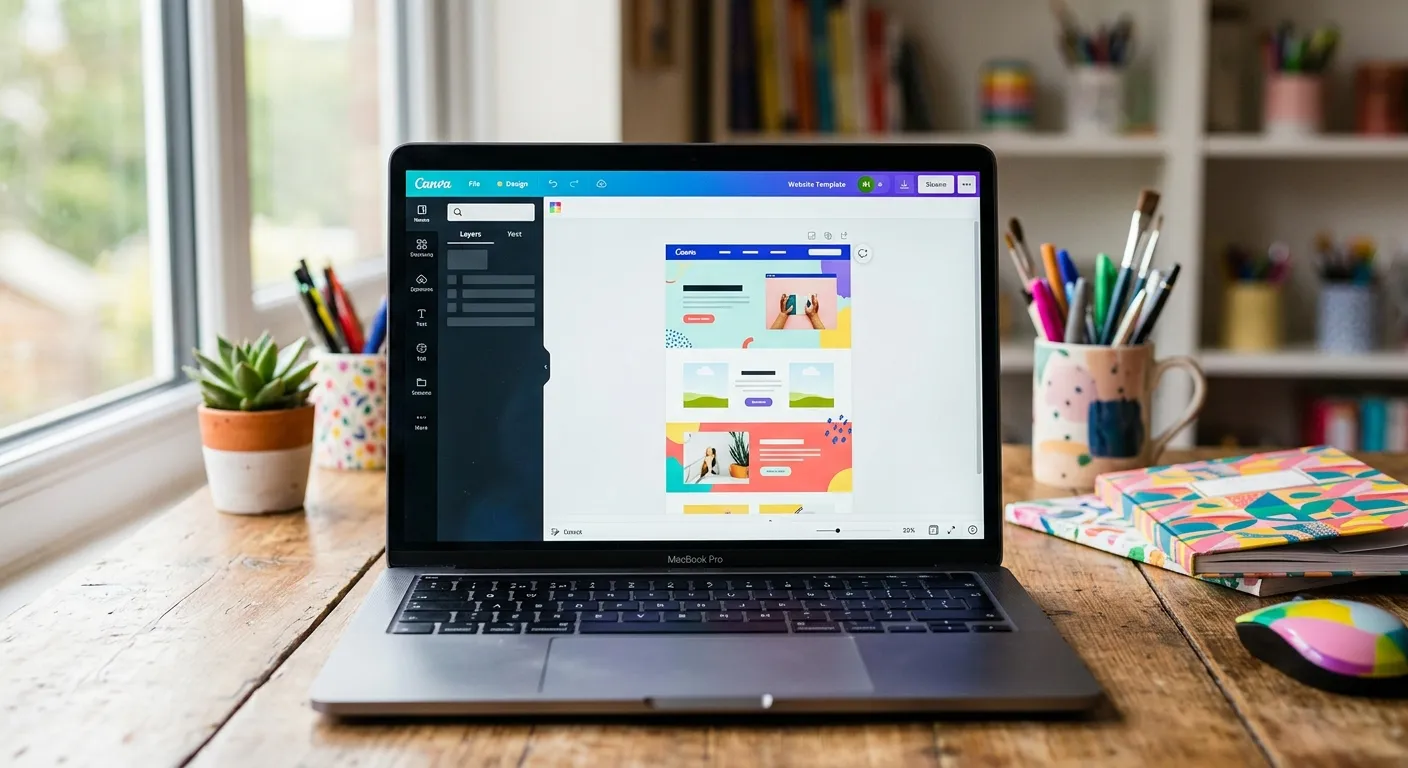
Yes, you can make a website with Canva. The popular graphic design platform has expanded significantly in recent years to include website publishing capabilities. You design your pages in Canva’s familiar drag-and-drop editor and publish them directly to the web.
The result can look genuinely impressive. Canva’s design templates are high quality, and because the tool is built around visual design, it’s easy to produce something that looks polished without much design experience.
But looking good and performing well are different things. Here’s an honest assessment of where Canva websites work, and where they fall short.
Where Canva Websites Work Well
Simple Landing Pages
If you need a single-page site to support a specific campaign, an event, a product launch, or a simple promotional offer, Canva can produce something functional and attractive quickly. The design quality is genuinely good, and the publishing process is straightforward.
Link-in-Bio Pages
Many creators and small businesses use Canva to build link-in-bio pages for Instagram or TikTok. These are simple pages with a few links, some imagery, and basic contact information. For this use case, Canva works well.
Temporary or Placeholder Sites
If you need something online quickly while a proper website is being built, a Canva page can serve as a professional-looking placeholder.
Portfolios and Event Pages
Simple portfolio galleries and event information pages are another area where Canva’s visual strengths shine and the technical limitations don’t create significant problems.
Where Canva Websites Fall Short
SEO Performance
This is the most significant limitation for any NZ business that wants to be found in Google. Canva websites have limited SEO capability. You can add basic meta titles and descriptions, but the technical SEO foundations that help websites rank, things like structured data, efficient crawling, custom redirect rules, and granular control over page speed, are either absent or very limited.
If organic search traffic is part of your growth strategy, a Canva website will hold you back.
eCommerce
Canva’s website builder isn’t built for selling products online. You can link to an external store, but there’s no native eCommerce capability comparable to Shopify or WooCommerce. If you need to sell products, Canva isn’t the right platform.
Custom Functionality
CRM integrations, booking systems, complex forms, membership portals. These kinds of custom requirements are outside what Canva’s website builder supports. It’s built for static pages, not dynamic applications.
Scalability
As your business grows and your website requirements become more complex, Canva’s limitations will become more constraining. Migrating away from a Canva website later is possible but requires rebuilding from scratch.
How to Think About Canva Websites
Canva is a design tool that has added website publishing. It’s excellent for what it was built for: creating visually appealing content quickly. Its website feature follows the same logic: fast, visual, accessible.
What it isn’t is a professional web platform designed for performance, SEO, and business growth. For that, you need a tool built specifically for the job.
The question to ask yourself is: what do I need my website to do? If the answer is “look good and share basic information,” Canva might be entirely sufficient. If the answer involves generating leads, ranking in search, processing transactions, or integrating with your business tools, you’ll need something more robust.
If you’ve outgrown a Canva or template website and want something built properly, book a free discovery call with Lucid Media and let’s talk about what you need.
Related Posts

Written by
Jason Poonia
Jason Poonia is the founder and Managing Director of Lucid Media, helping NZ businesses grow online since 2018. With over 7 years delivering results for clients across New Zealand and internationally, Jason combines technical expertise with proven marketing strategies to help businesses attract more customers and build scalable systems. Background in Computer Science from the University of Auckland.
